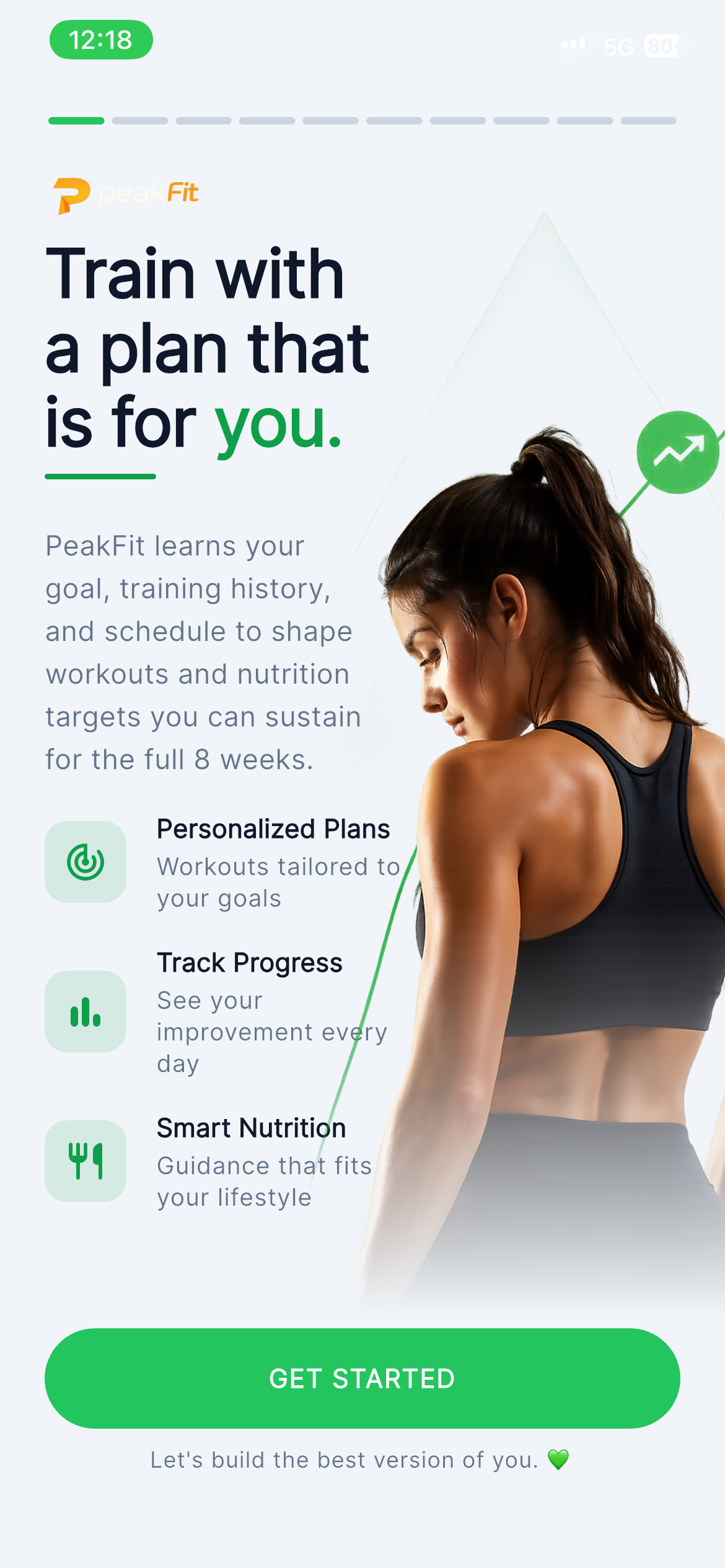
Train with a plan that is built for you.
PeakFit brings workouts, diet, sleep, steps, health sync, and AI coaching into a clean mobile app that feels familiar from the first tap.
Everything in the app has a job.
From onboarding to analytics, every screen helps users understand what to do, why it matters, and what changed.
AI Coach
Daily guidance based on your plan, calories, activity, and recovery.
Workout Plans
Daily workouts, custom splits, exercise library, and 8-week programs.
Smart Diet
Calories, macros, meal details, and nutrition facts in one clean flow.
Progress Analytics
Weight, burn, streaks, steps, sleep, and nutrition trends made simple.
Health Sync
Connect Apple Health and supported wearables when you want deeper tracking.
Reminders
Control workout, diet, hydration, sleep, and progress nudges.
Personal Goals
Onboarding shapes the app around your goal, body, diet, and schedule.
Consistency
Streaks, achievements, and simple feedback loops keep you moving.
A complete app tour, screen by screen.
All current app screenshots are shown inside real device-style frames, with each feature explained in the same flow users experience inside PeakFit.
Your plan, coach note, and daily metrics in one clean home screen.
The Home screen opens with today's workout, live nutrition targets, AI insight, and a coach note so the next action is obvious.
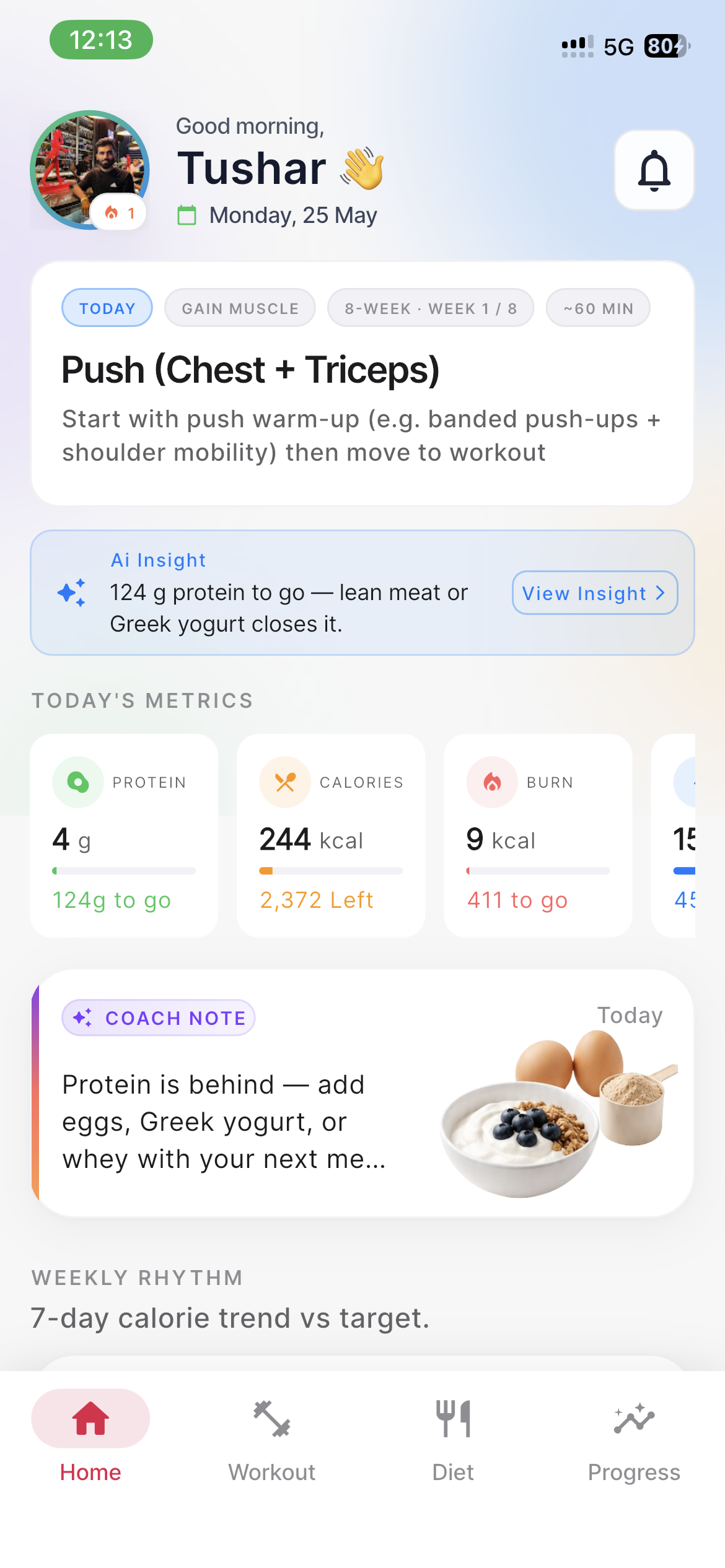
Morning greeting, today's workout, AI insight, coach note, and key metrics.
Home Dashboard
Morning greeting, today's workout, AI insight, coach note, and key metrics.
Workout planning that moves from today's session to an 8-week goal.
PeakFit presents the training flow as a guided path: build the split, browse exercises, shape the week, and follow the program.
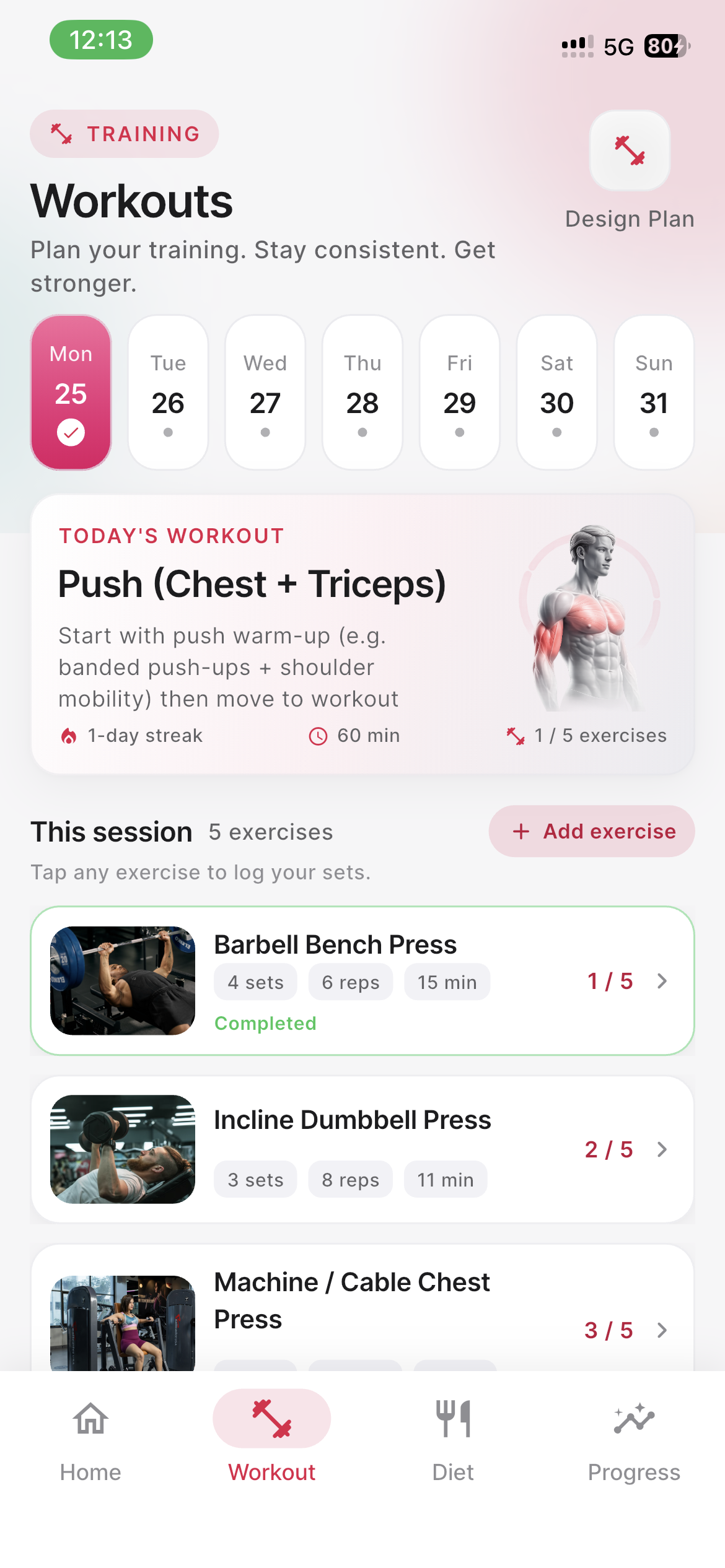
A focused daily workout list with warm-ups, sets, and session structure.
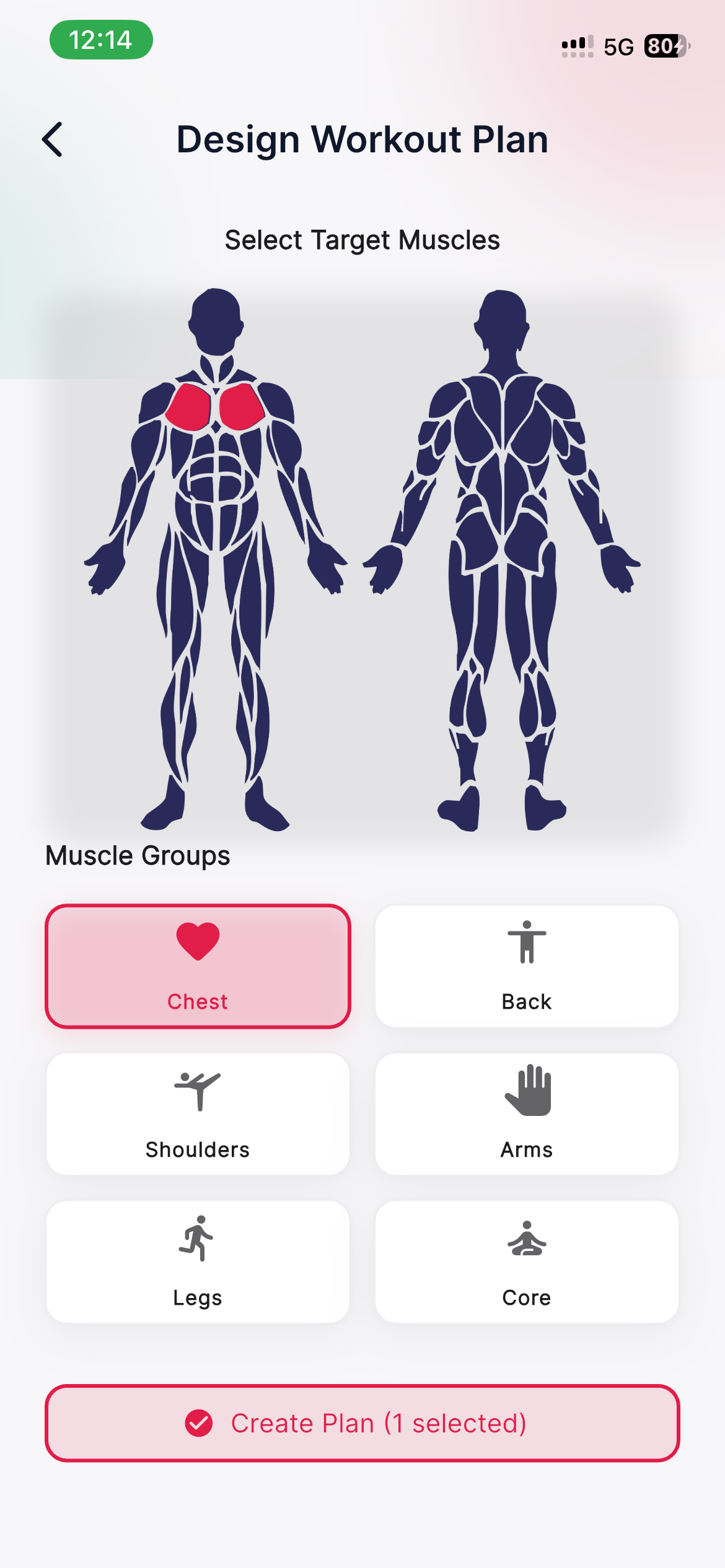
Users choose target muscles and shape sessions around real training goals.
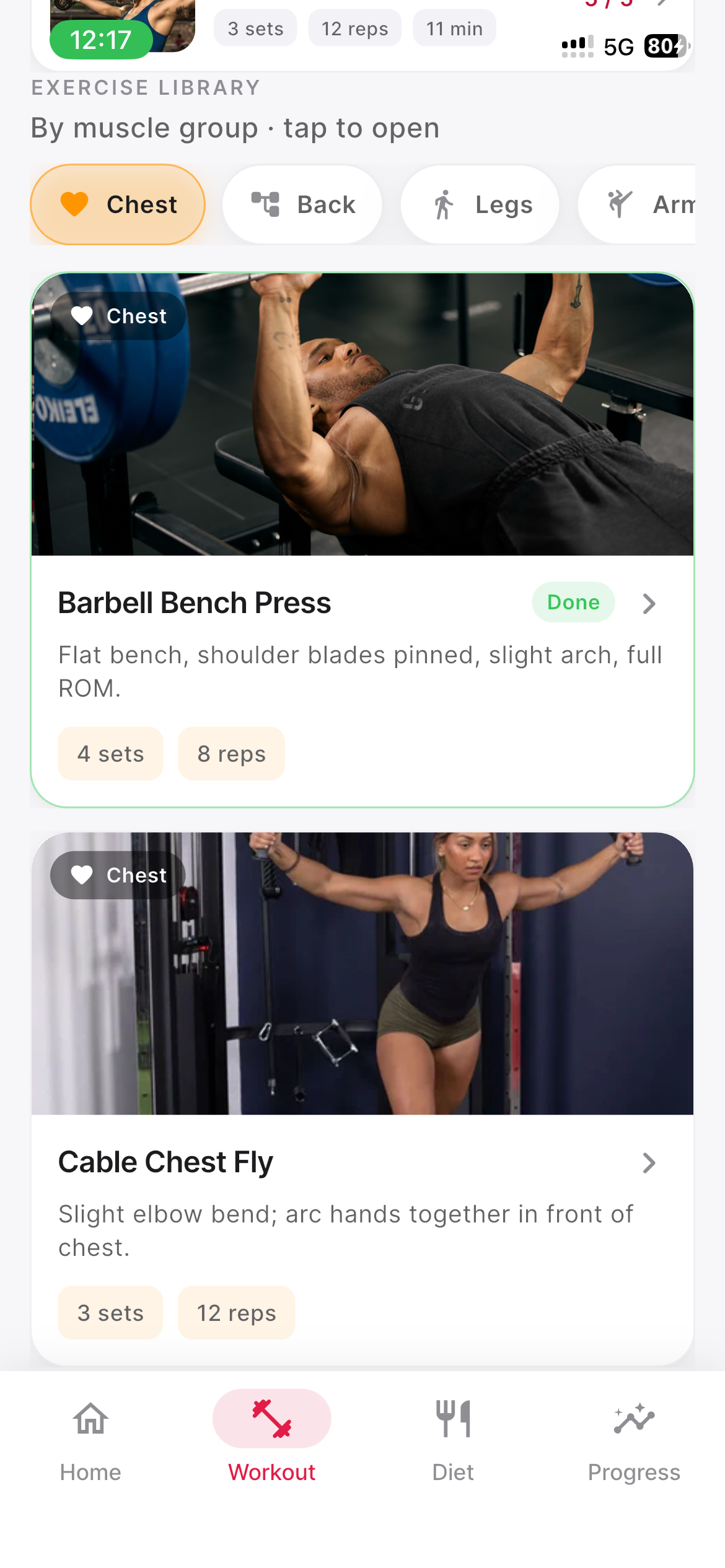
Browse exercises by muscle group and quickly add movements to a workout.
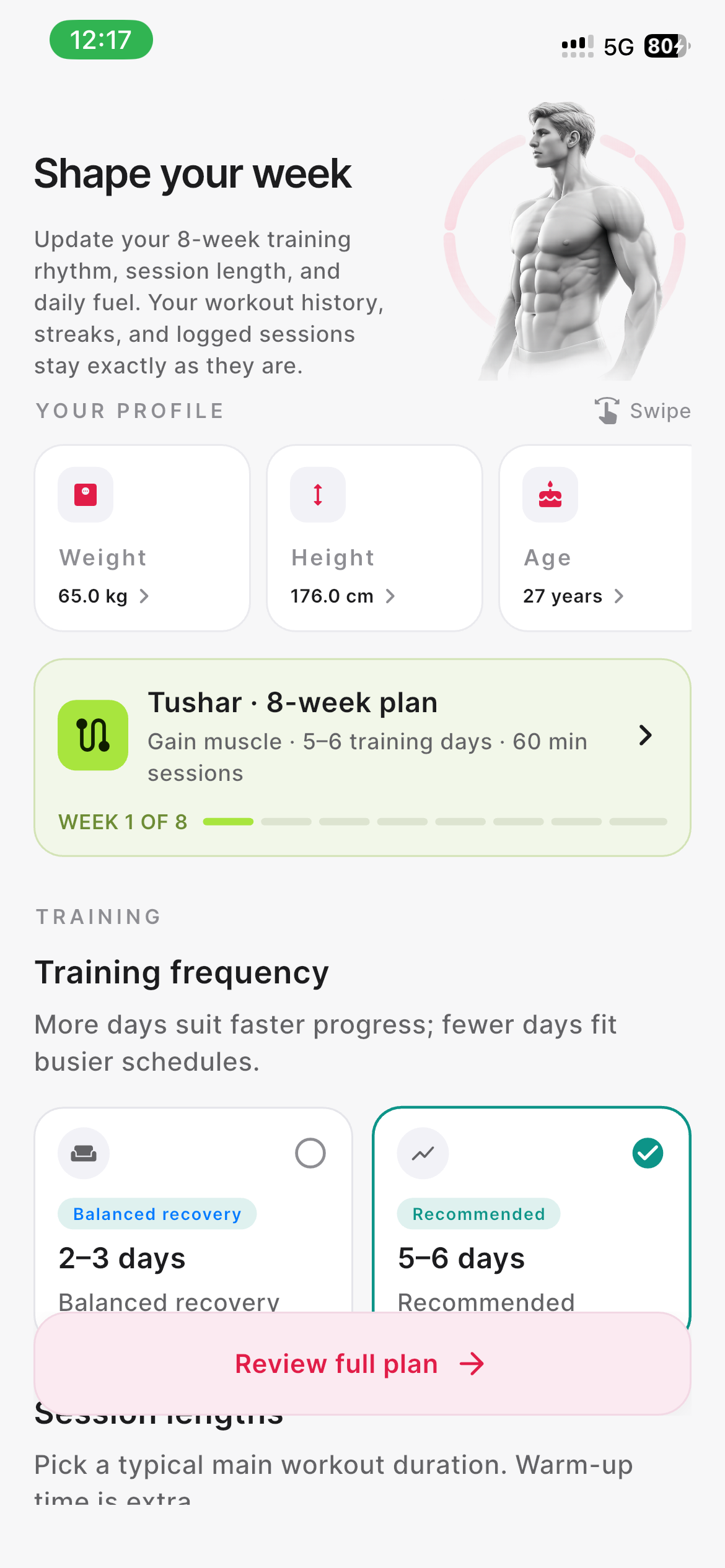
Pick training days, session length, and the weekly split that fits life.
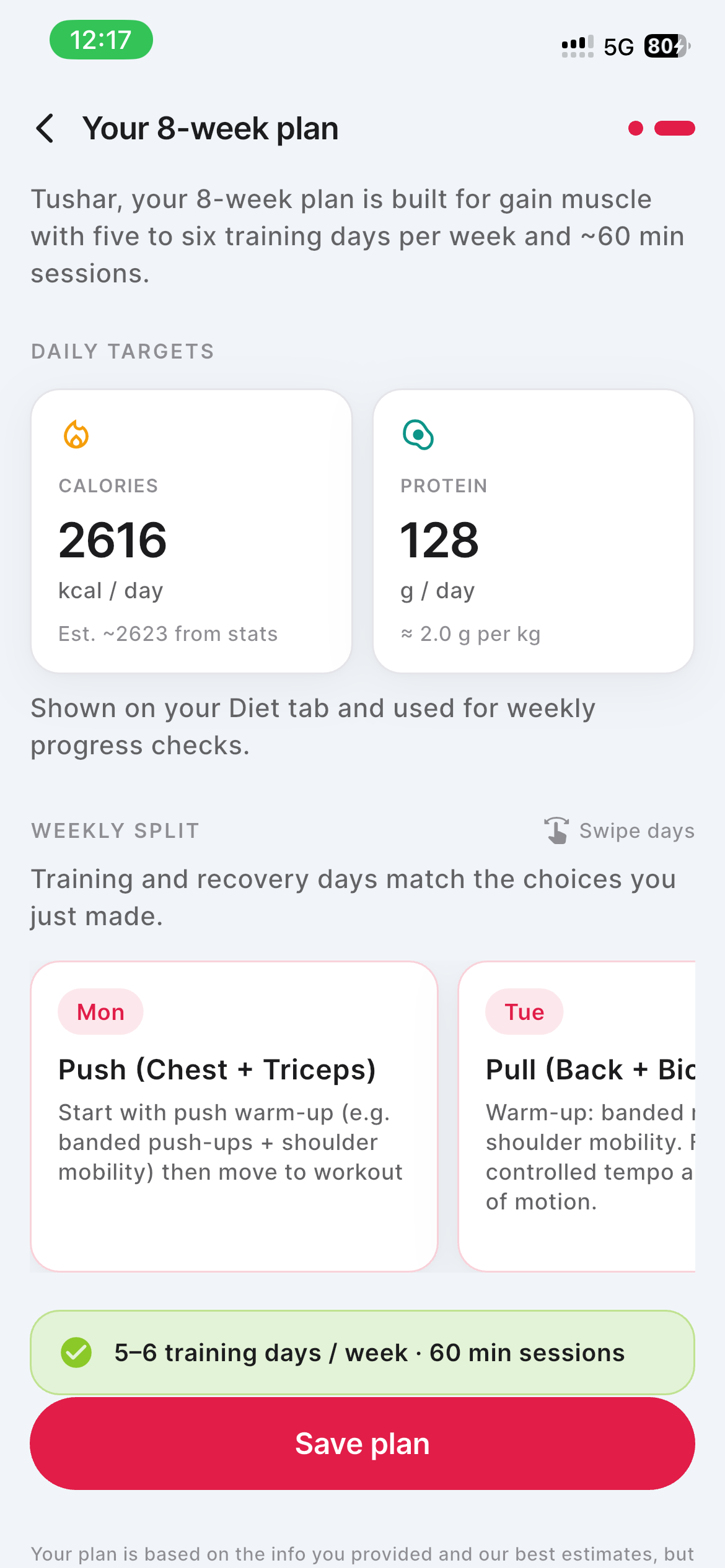
A full program summary with progression, week count, and goal-based direction.
Workout Day
A focused daily workout list with warm-ups, sets, and session structure.
Plan Builder
Users choose target muscles and shape sessions around real training goals.
Exercise Library
Browse exercises by muscle group and quickly add movements to a workout.
Shape Your Week
Pick training days, session length, and the weekly split that fits life.
8-Week Plan
A full program summary with progression, week count, and goal-based direction.
Calories, macros, and meal details that are easy to act on.
Nutrition screens keep the big numbers visible first, then let users drill into meals and nutrition facts only when they need more detail.
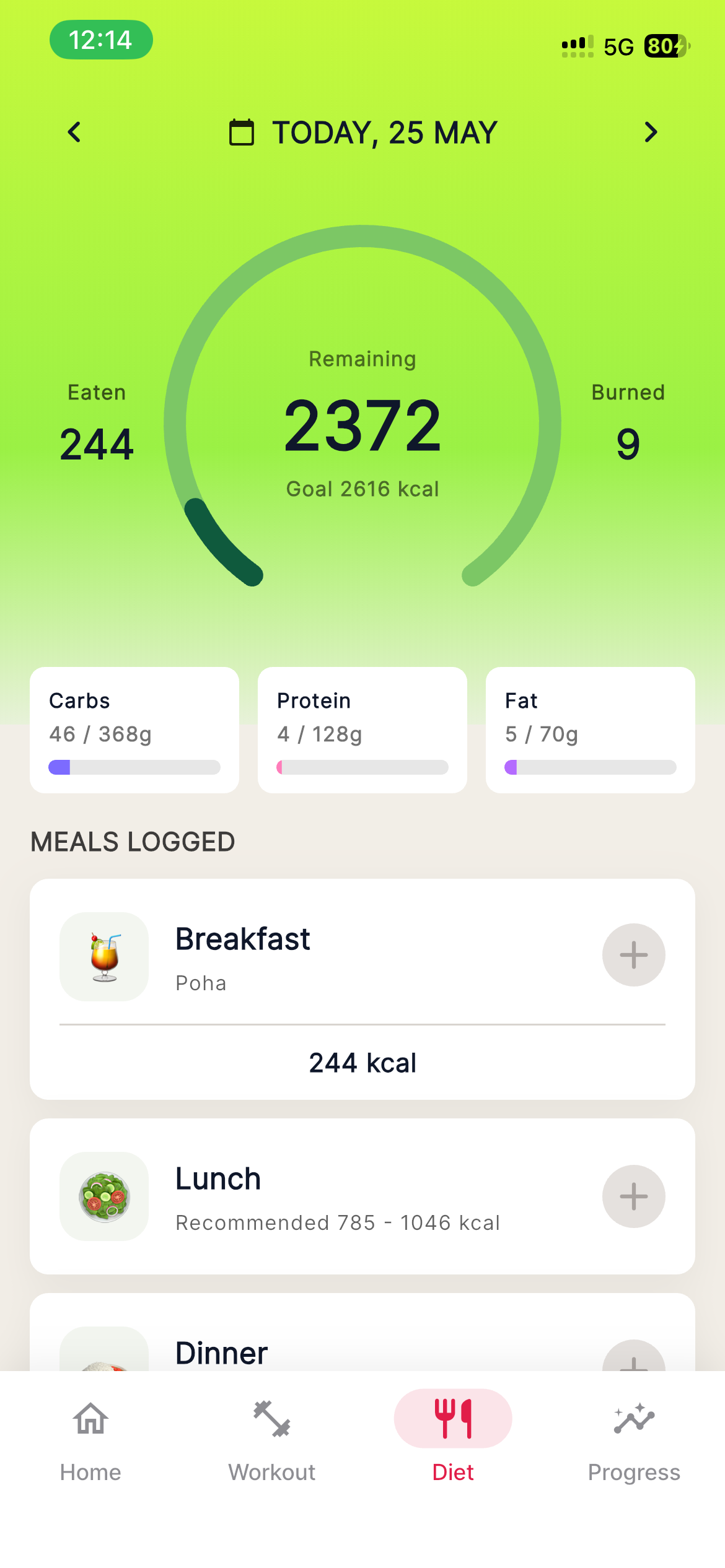
Remaining calories, eaten calories, burned calories, macros, and meals logged.
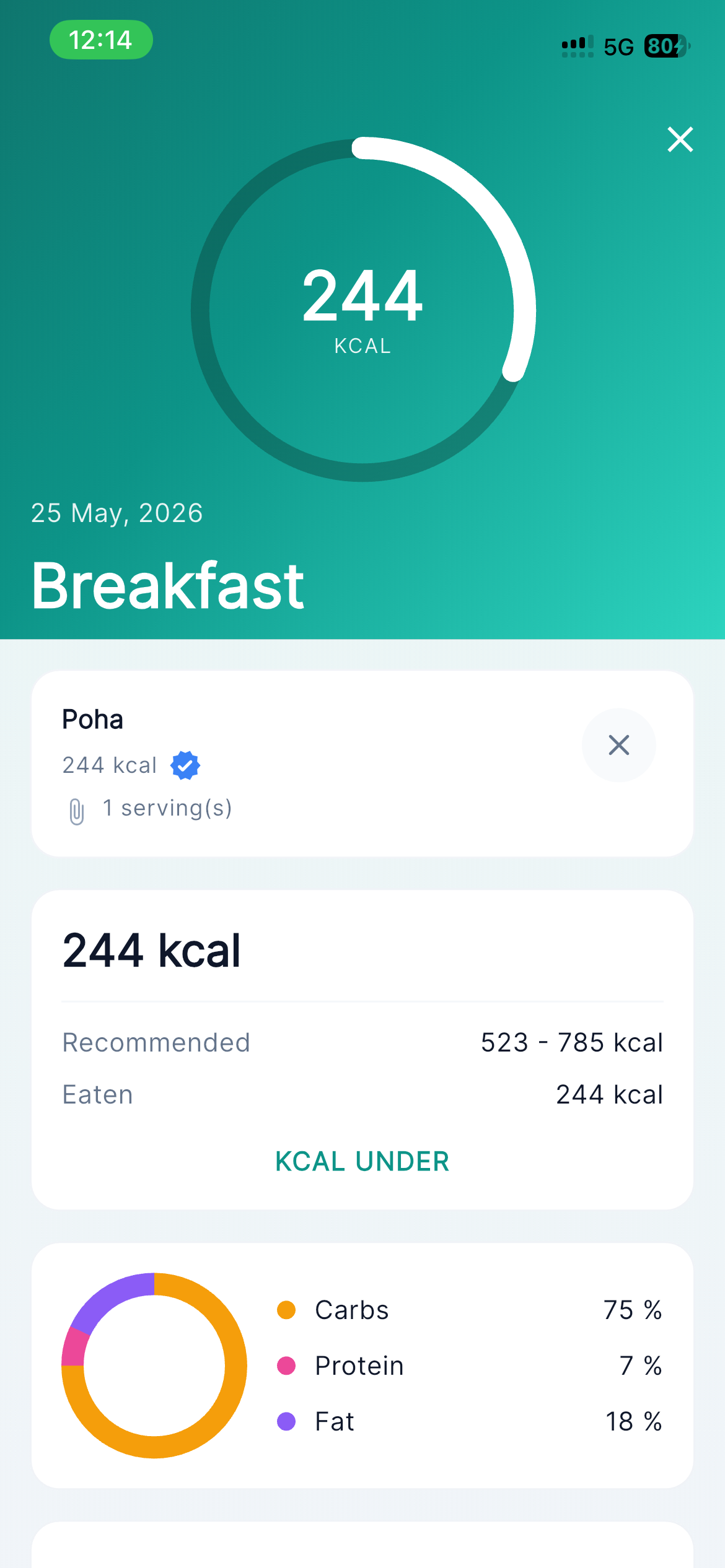
Open a meal to review calories, macros, ingredients, and food-level context.
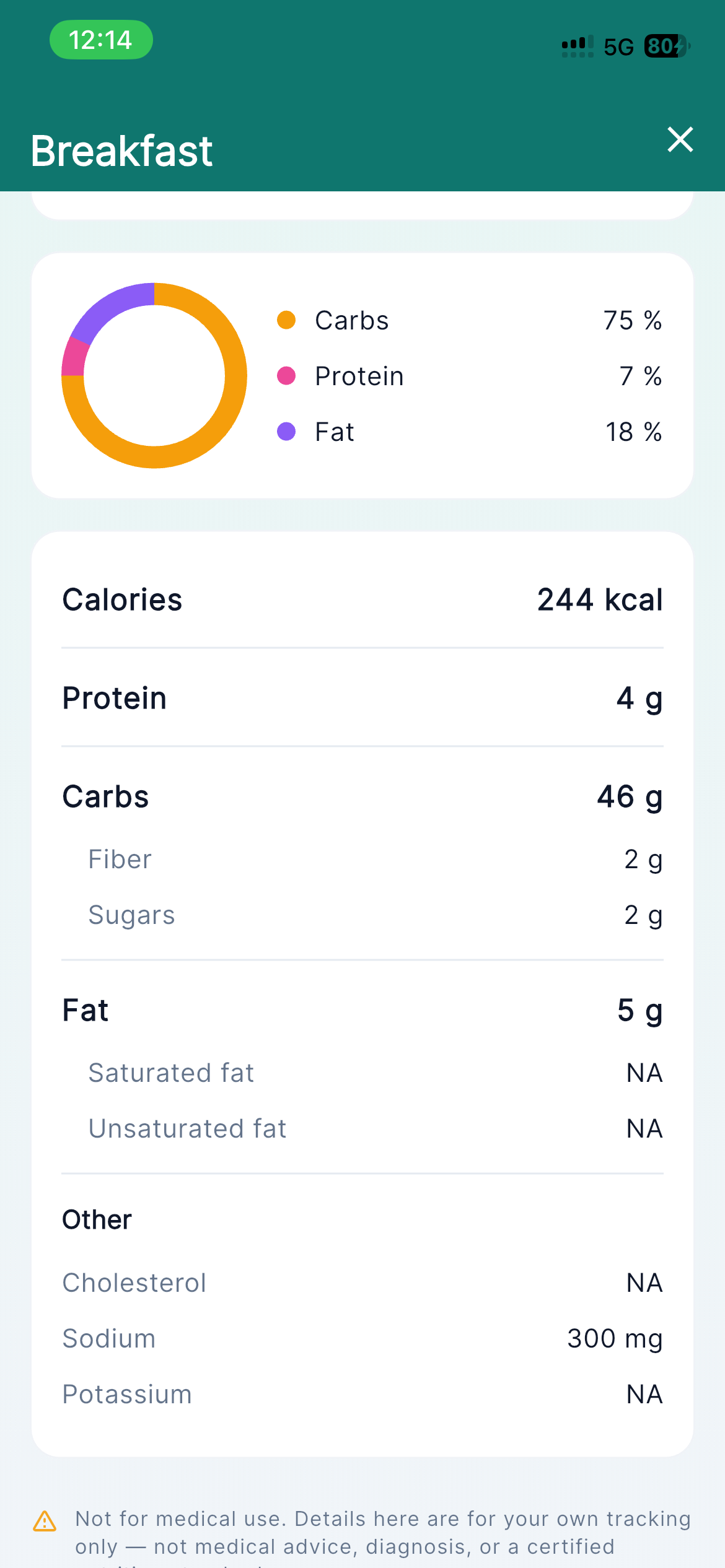
Detailed nutrition view for users who want deeper meal information.
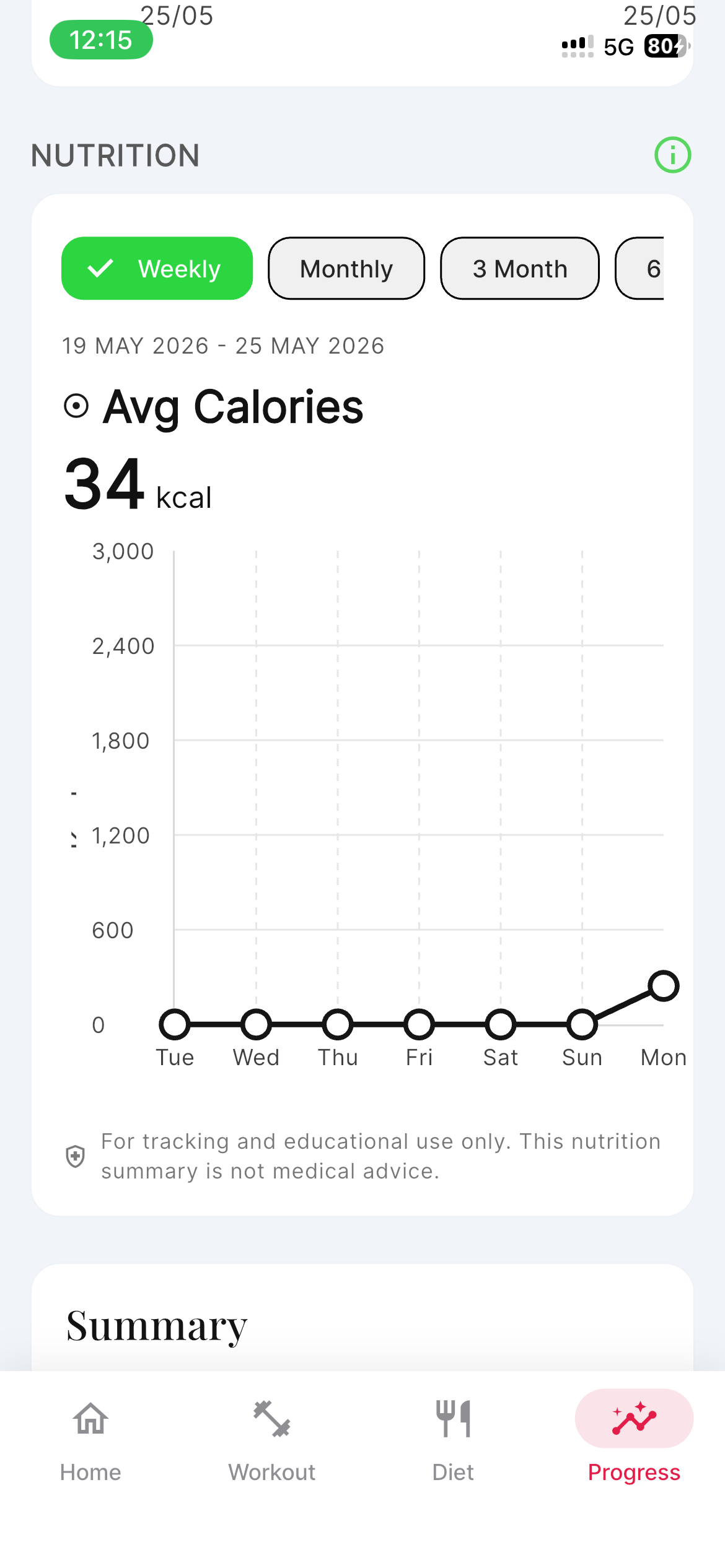
Average calories and weekly nutrition trends help users stay consistent.
Diet Dashboard
Remaining calories, eaten calories, burned calories, macros, and meals logged.
Meal Detail
Open a meal to review calories, macros, ingredients, and food-level context.
Nutrition Facts
Detailed nutrition view for users who want deeper meal information.
Nutrition Progress
Average calories and weekly nutrition trends help users stay consistent.
Progress tracking across body, movement, sleep, and recovery.
Progress is shown as connected habits instead of separate charts, making streaks, steps, sleep, calories, and body trends easier to understand.
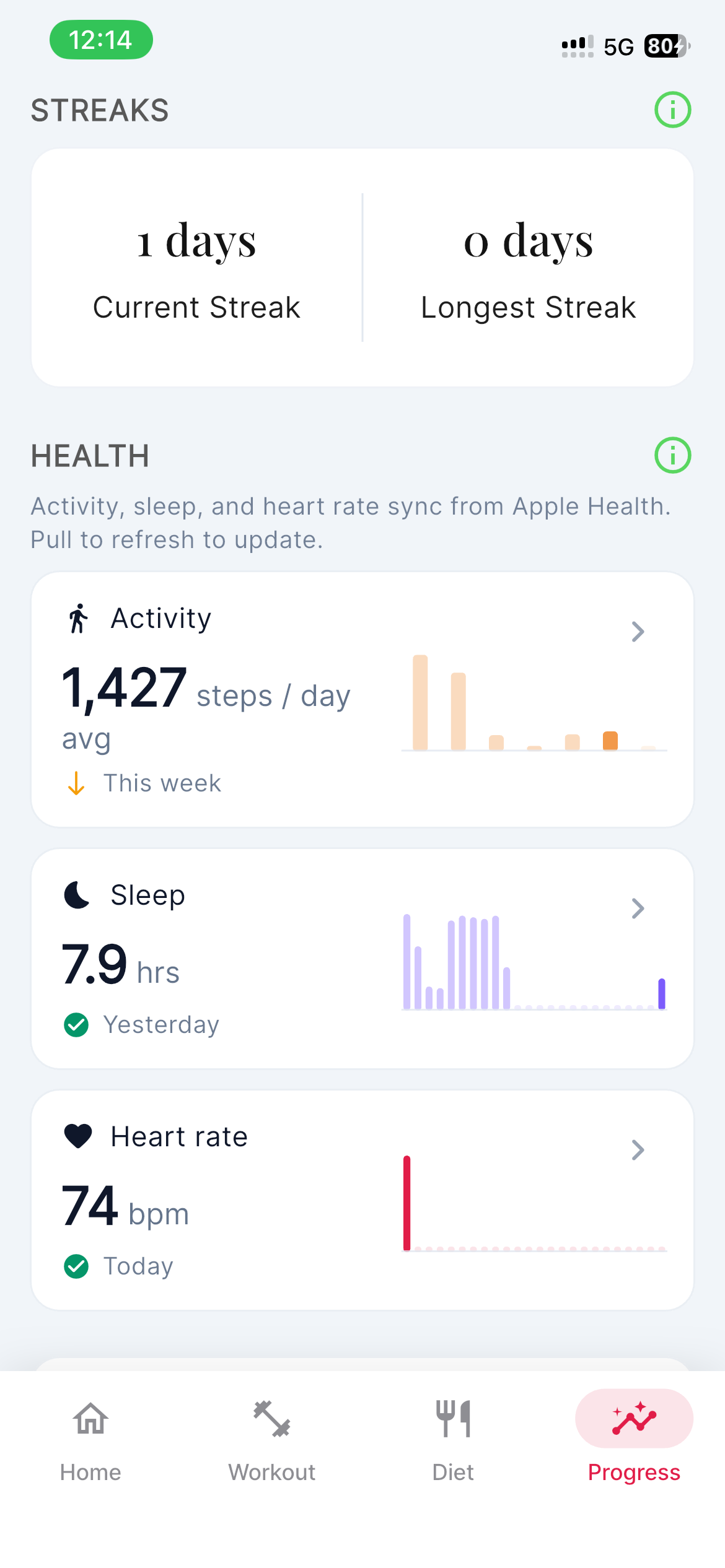
Streaks and health cards summarize the user's fitness direction.
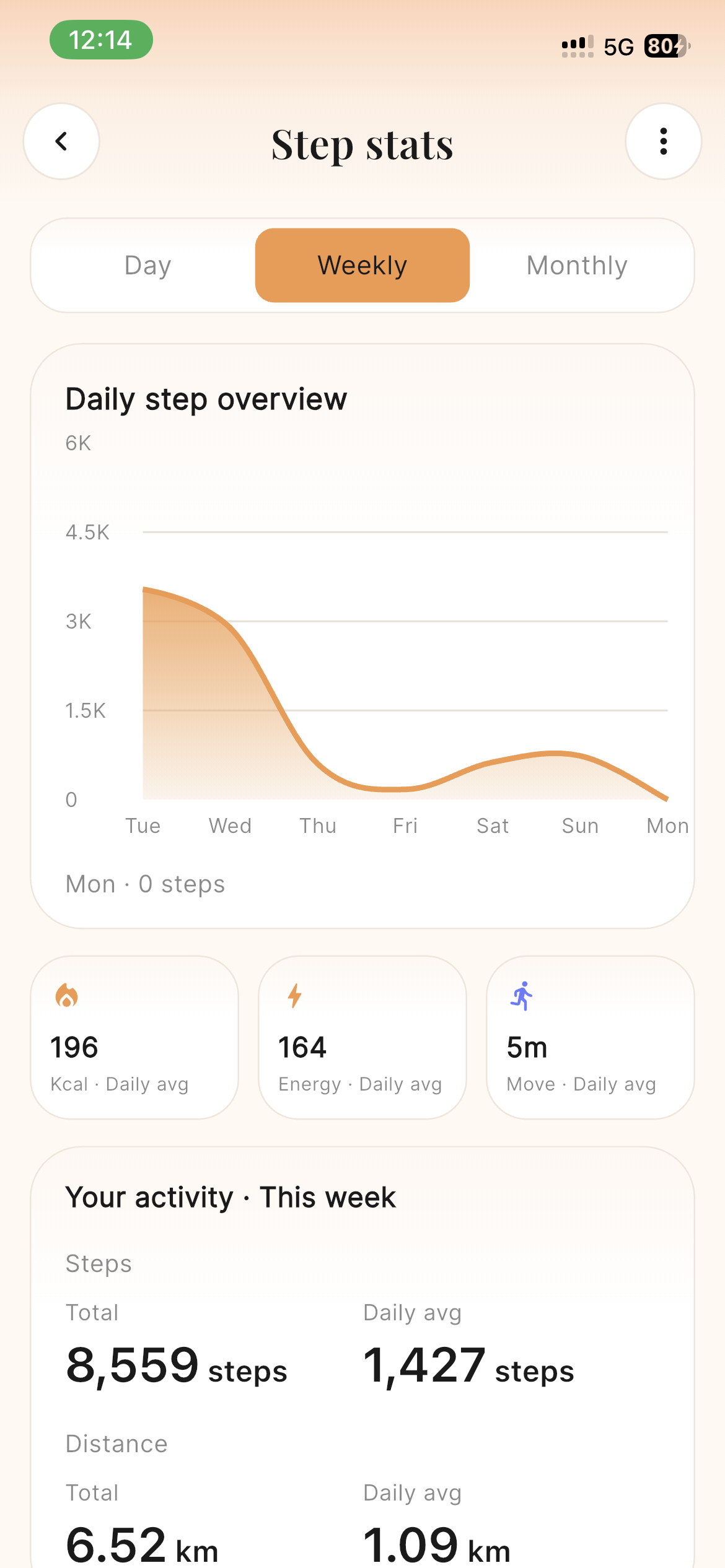
Weekly step charts give users an easy view of daily movement.
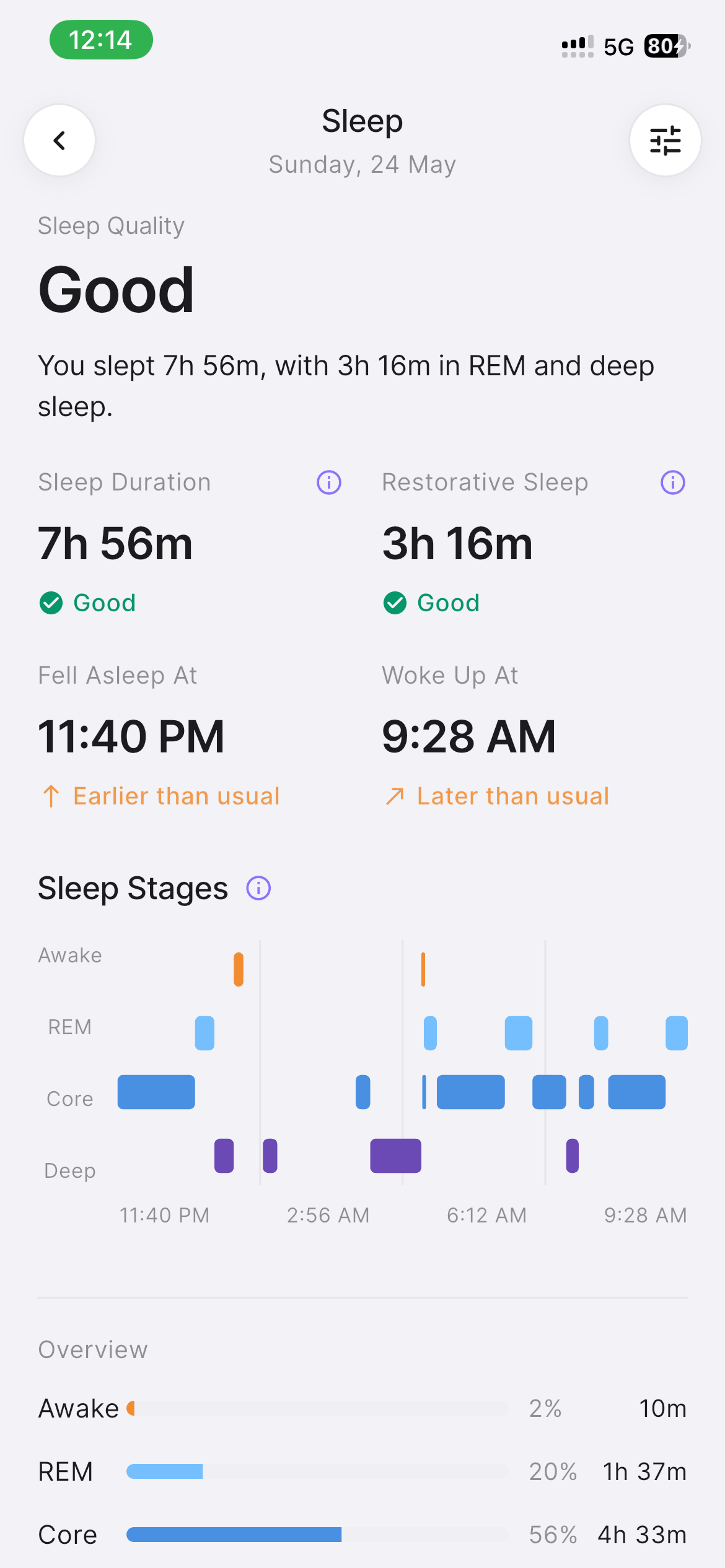
Sleep summary cards help users understand recovery patterns.
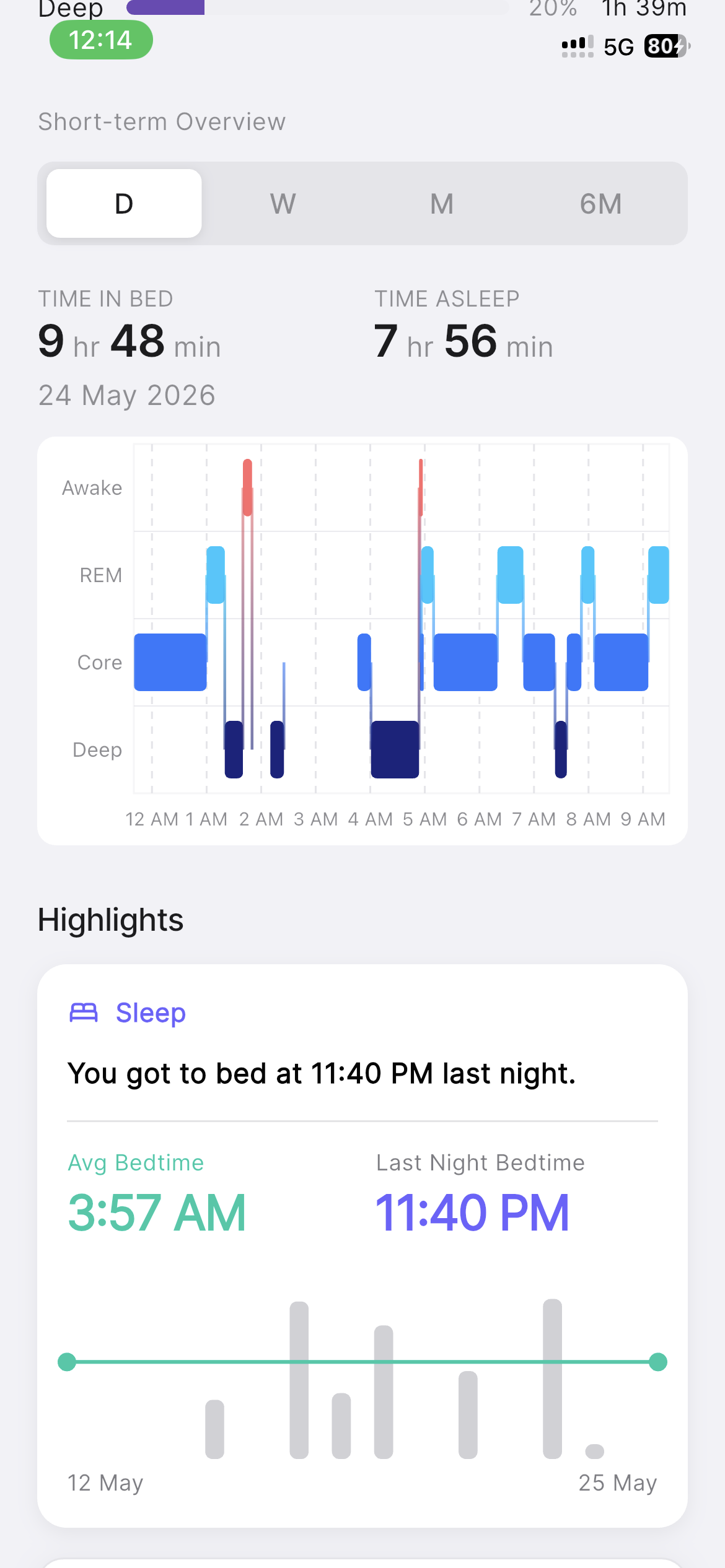
Sleep stages and highlights add context to recovery quality.
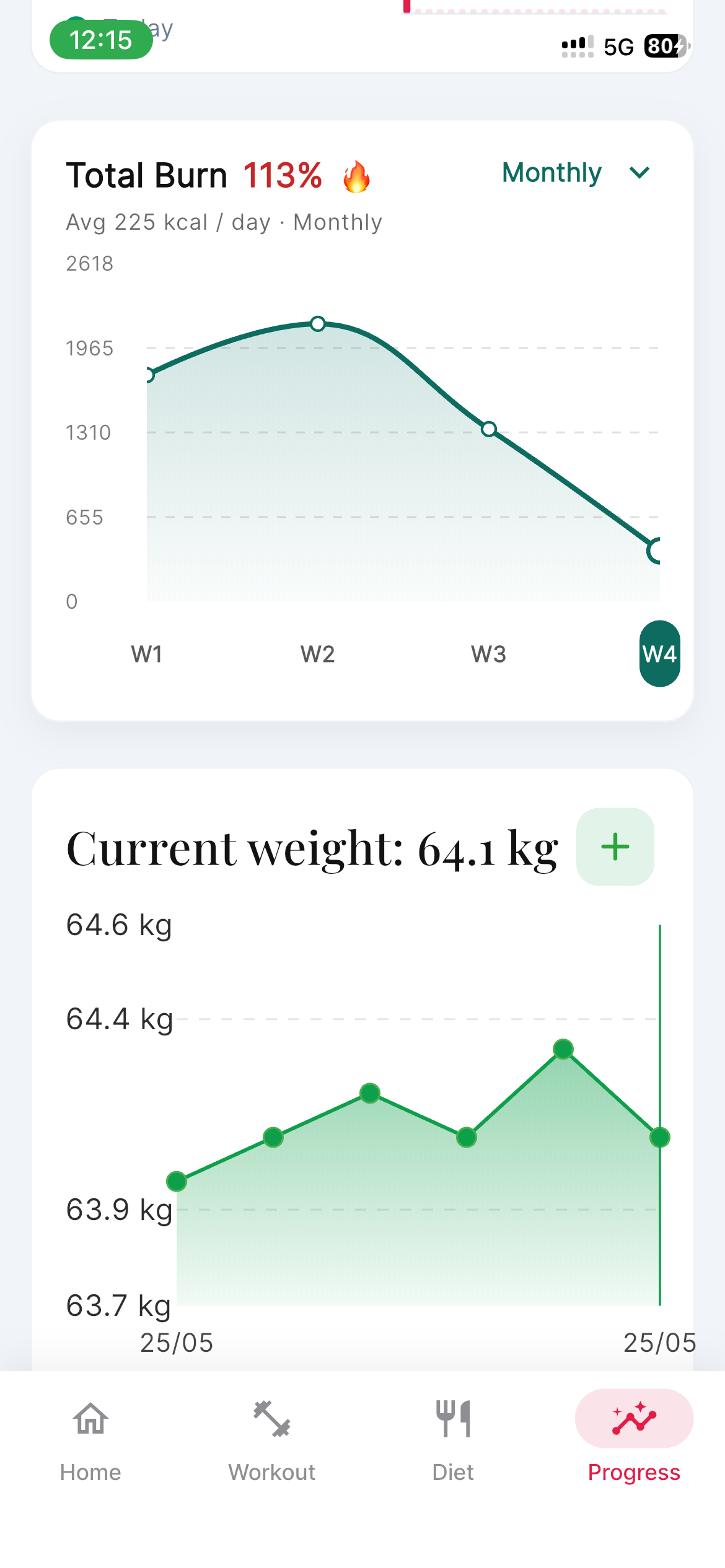
Burn, calories, and weight trends show how body goals are moving.
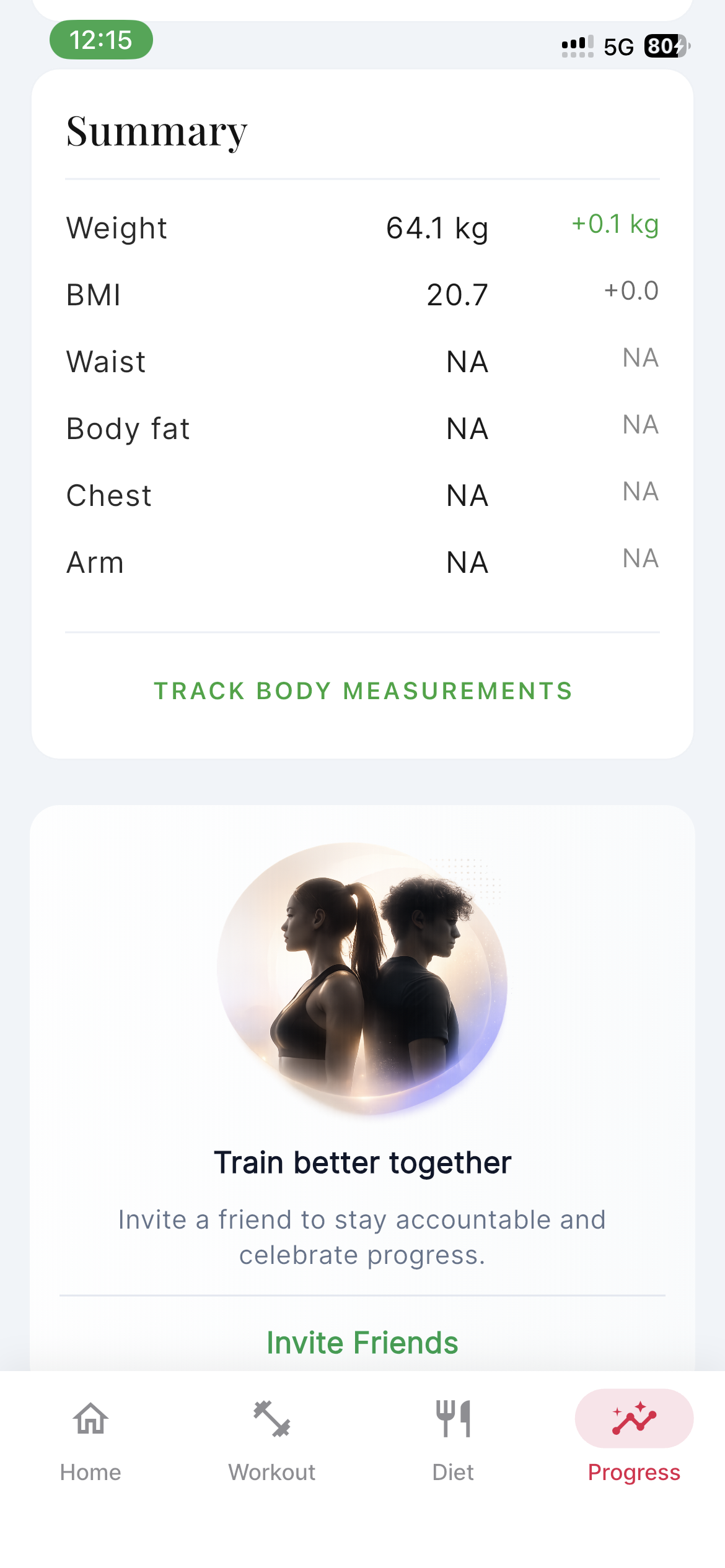
A quick body and progress summary with social motivation built in.
Progress Overview
Streaks and health cards summarize the user's fitness direction.
Step Stats
Weekly step charts give users an easy view of daily movement.
Sleep Overview
Sleep summary cards help users understand recovery patterns.
Sleep Detail
Sleep stages and highlights add context to recovery quality.
Body Progress
Burn, calories, and weight trends show how body goals are moving.
Body Summary
A quick body and progress summary with social motivation built in.
Bring health data in and keep daily habits on track.
The app gives users a simple connected-health setup and clear reminder controls for workouts, diet, hydration, sleep, and progress.
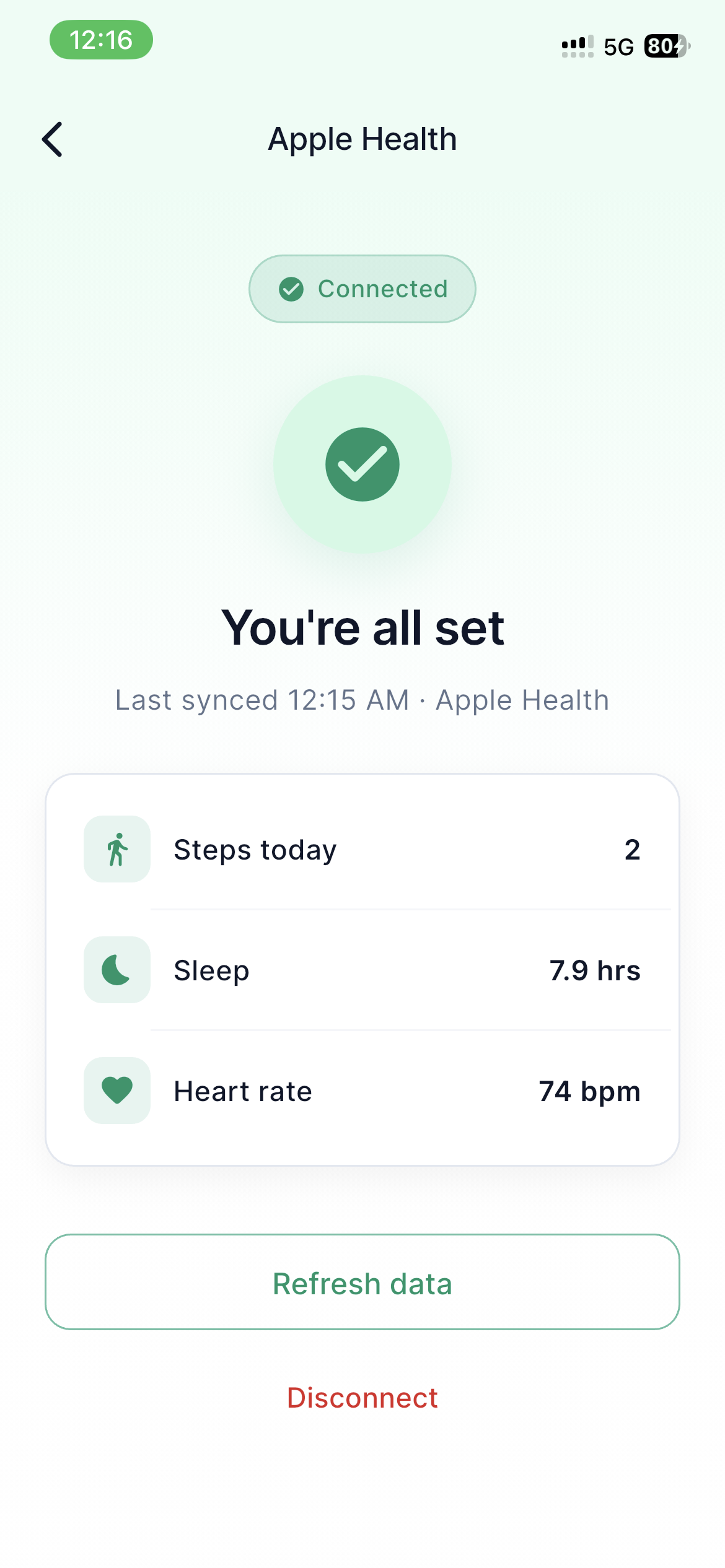
A clean connected state for importing supported health signals.
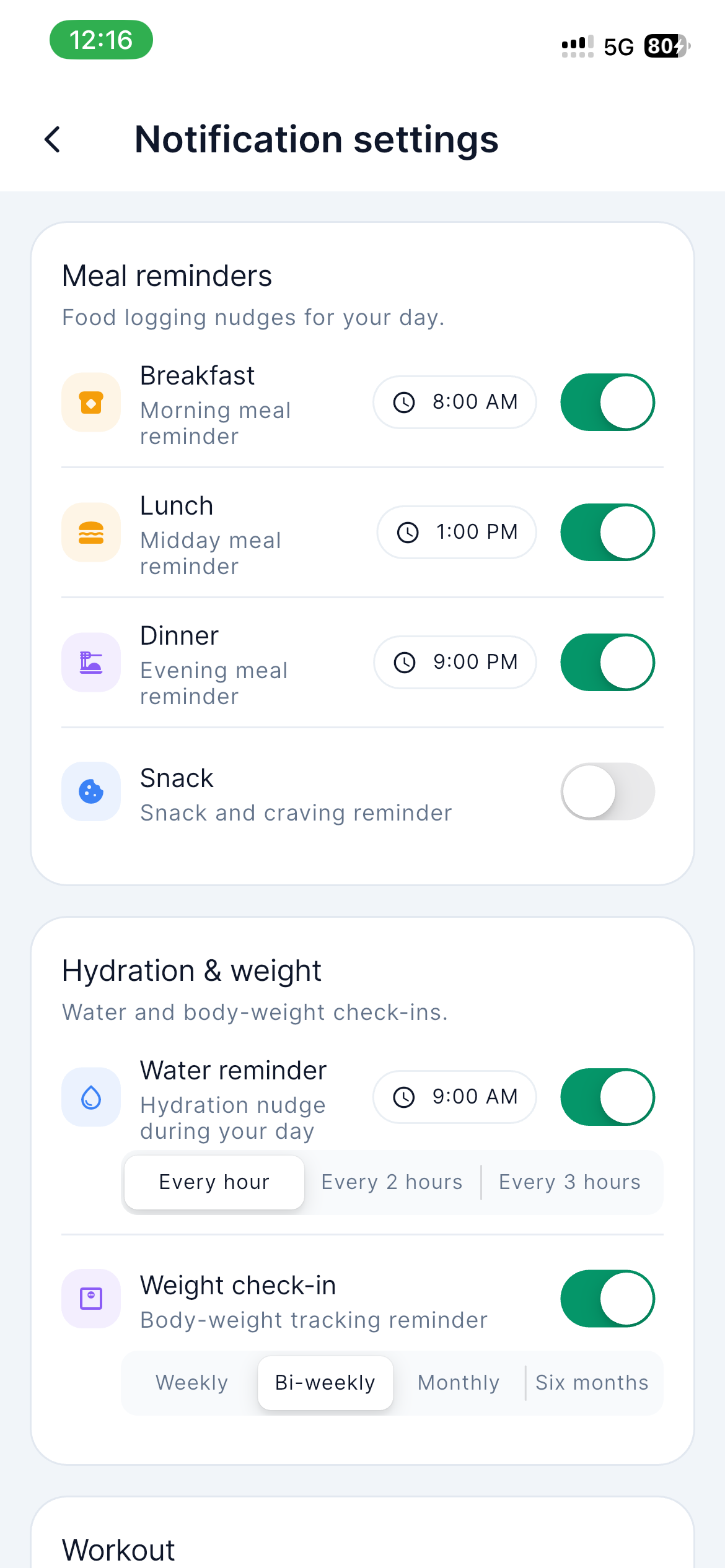
Granular toggles for reminders across workouts, meals, hydration, sleep, and progress.
Apple Health Sync
A clean connected state for importing supported health signals.
Notification Settings
Granular toggles for reminders across workouts, meals, hydration, sleep, and progress.
Personal onboarding that builds the plan around the user.
PeakFit captures goals, diet style, body context, gender, and weight so the first plan feels tailored from the beginning.
Introduces PeakFit as a plan-based coach for workouts and nutrition.
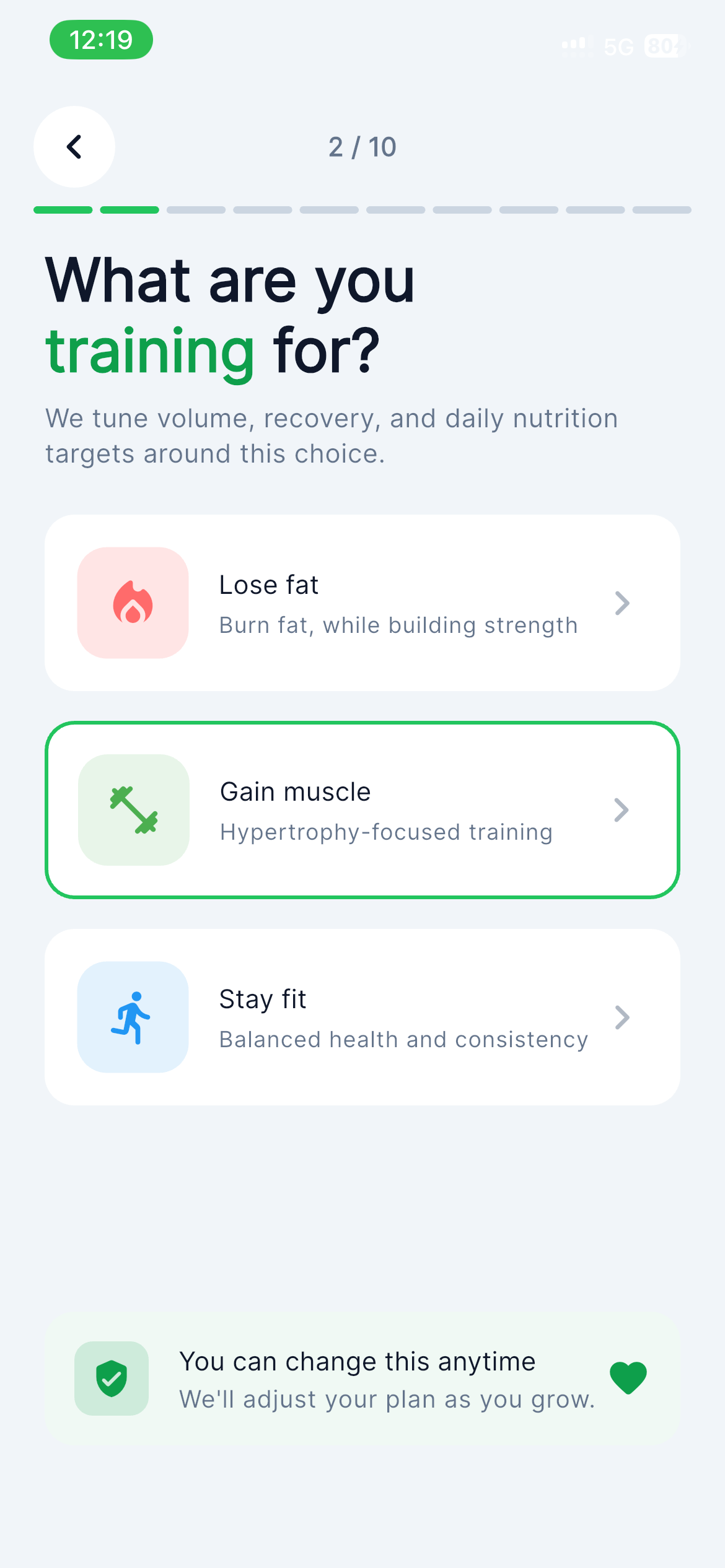
Users choose the transformation outcome they want to prioritize.
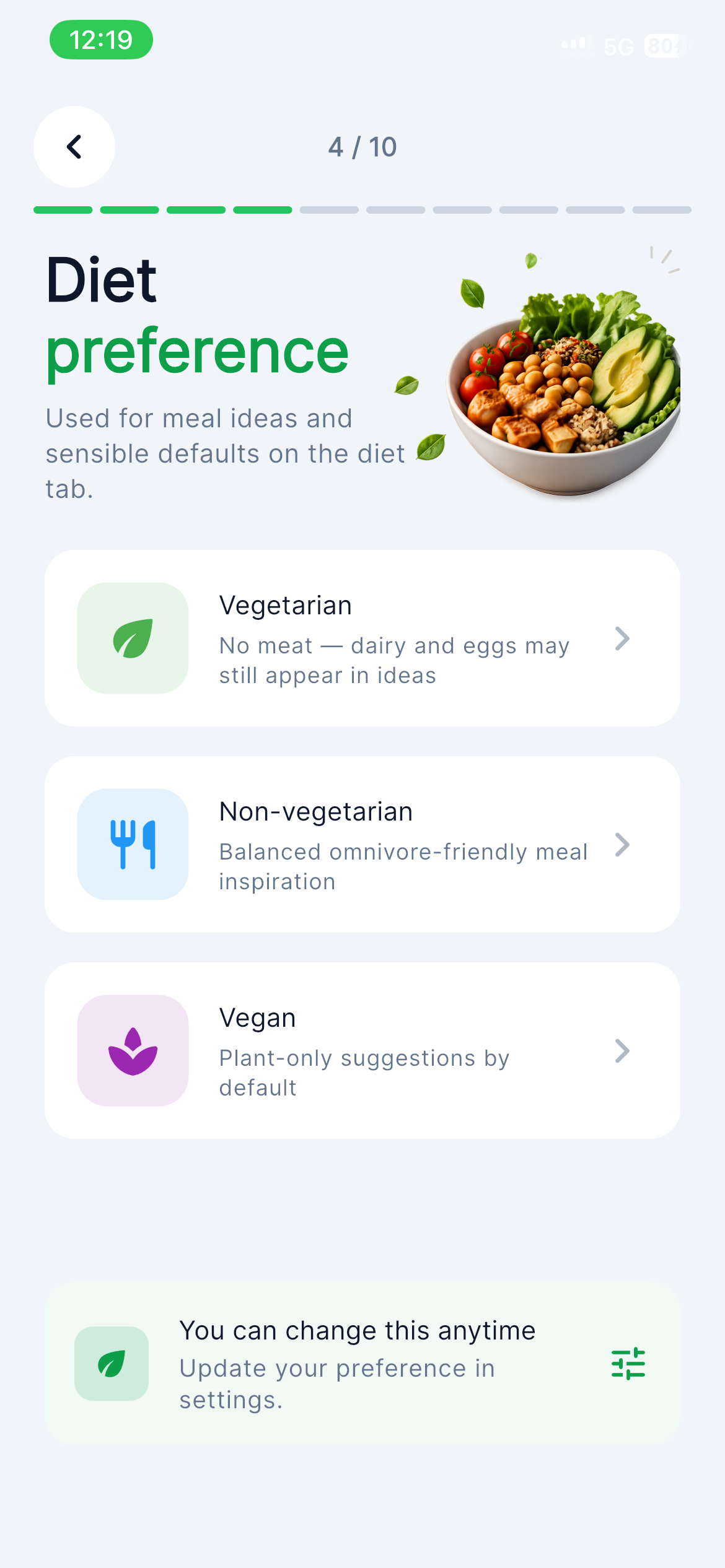
Nutrition guidance adapts around the eating style users follow.
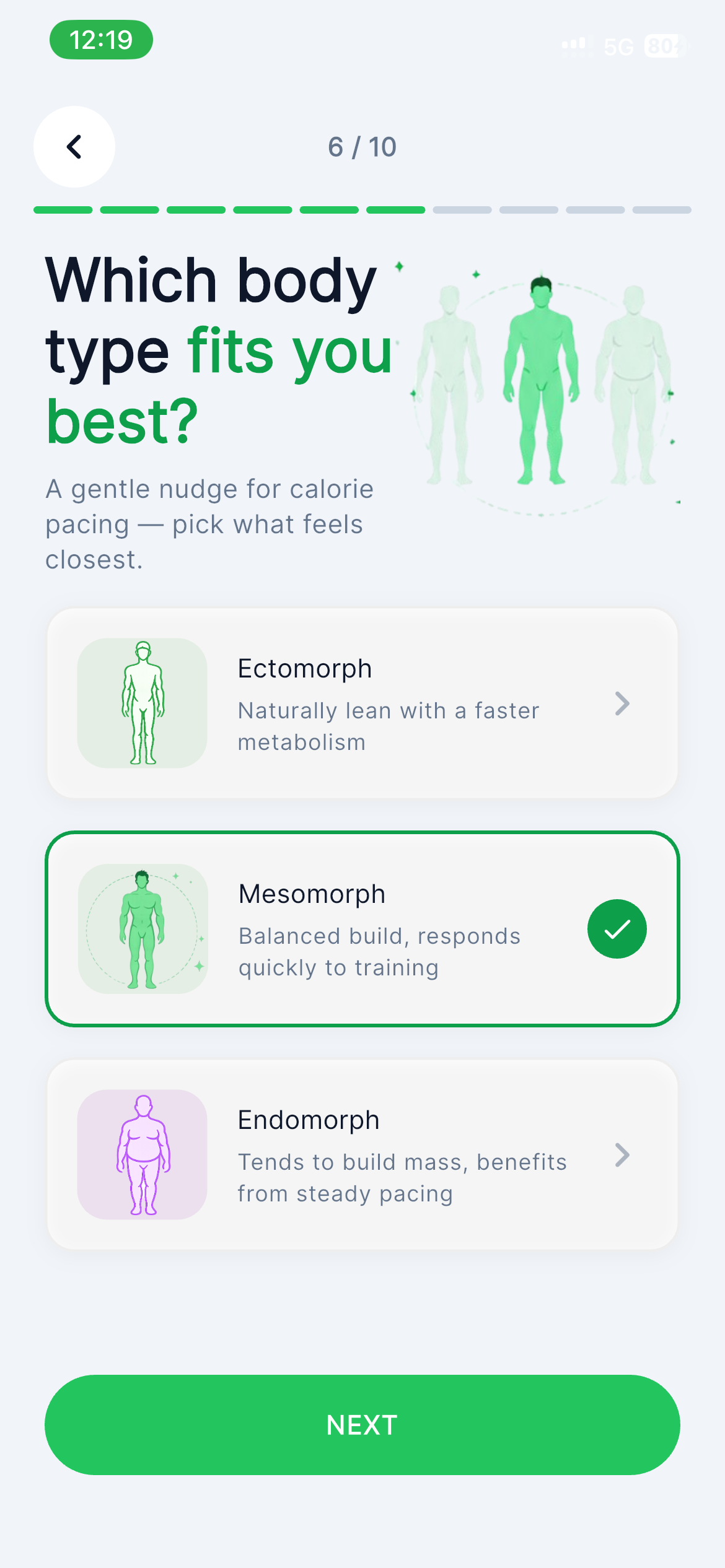
Body context helps personalize the starting point and coaching tone.
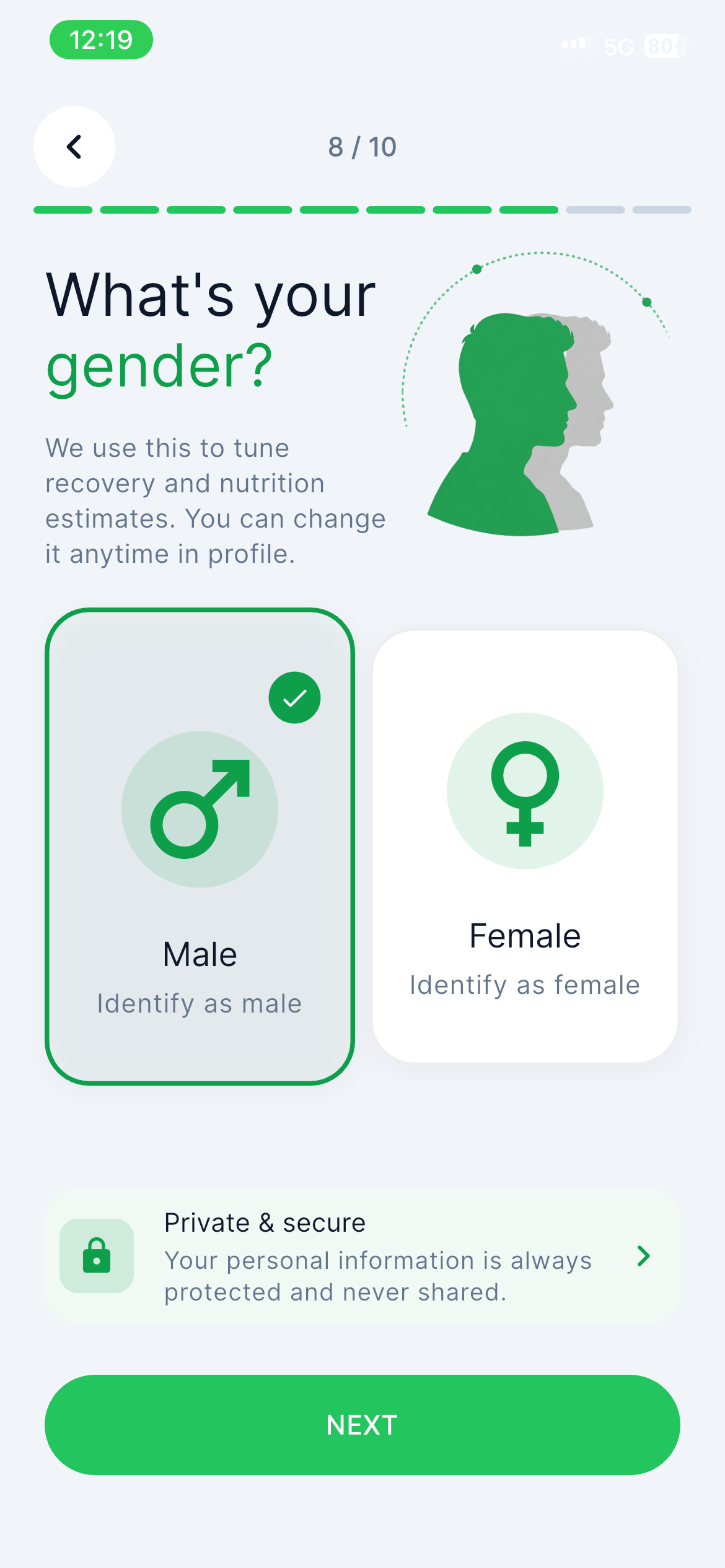
Personal details support more relevant recommendations and calculations.
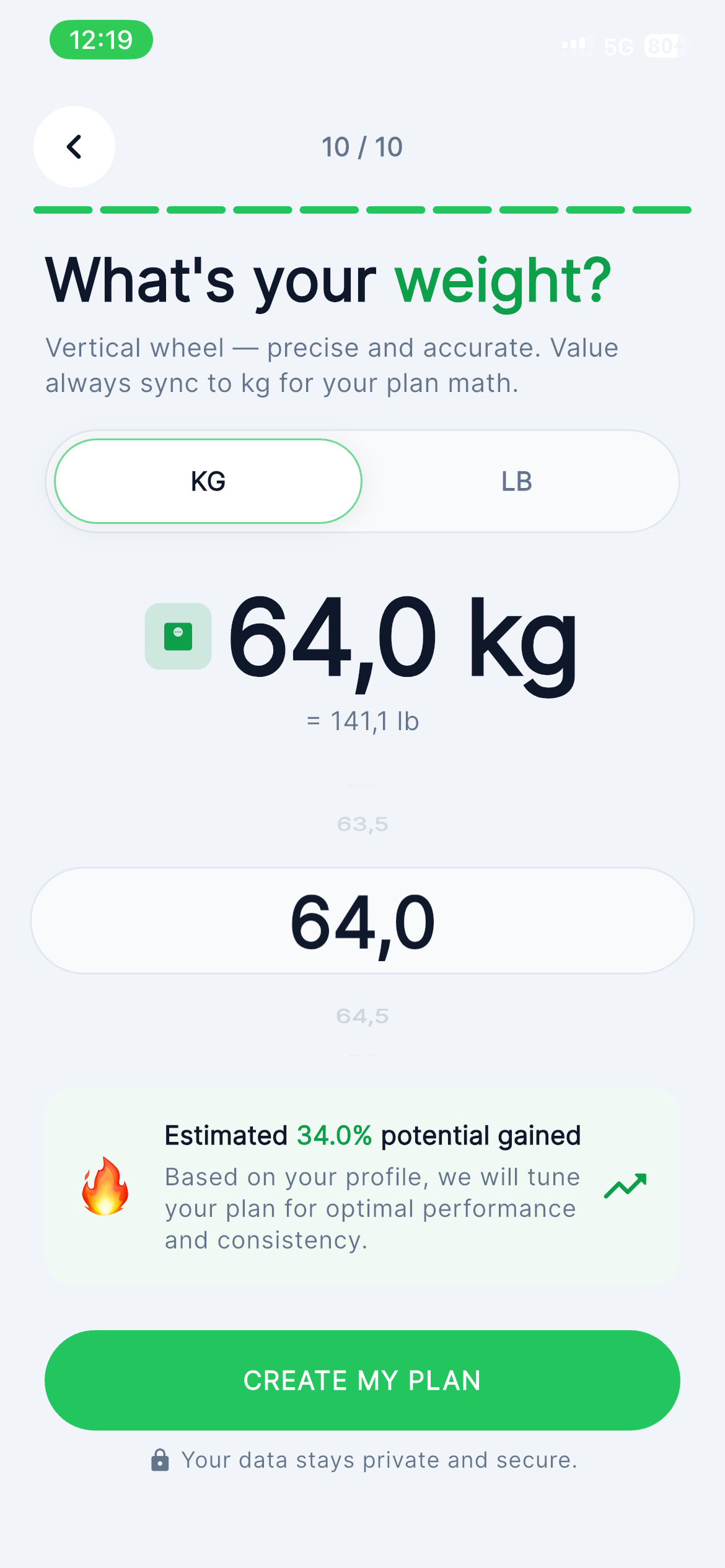
The baseline weight starts progress charts and plan calibration.
Welcome Flow
Introduces PeakFit as a plan-based coach for workouts and nutrition.
Goal Selection
Users choose the transformation outcome they want to prioritize.
Diet Preference
Nutrition guidance adapts around the eating style users follow.
Body Type
Body context helps personalize the starting point and coaching tone.
Gender Selection
Personal details support more relevant recommendations and calculations.
Weight Entry
The baseline weight starts progress charts and plan calibration.
Build the workout, follow the week, finish the program.
PeakFit connects the full training journey: design the split, start today's session, and keep progressing through a structured 8-week plan.
Set up once. Follow daily. Improve weekly.
Build the profile
Goals, diet, body, gender, and weight create the user's starting point.
Follow the plan
Workouts, meals, reminders, and coach notes keep the next action clear.
Review progress
Steps, sleep, calories, body trends, and streaks show what is improving.
Health data belongs beside training data.
PeakFit is designed to bring supported health and wearable signals into the same place users already track workouts and nutrition.
Built for consistency users can feel.
“The daily coach note makes the app feel personal. I always know what to focus on next.”
“Sleep, steps, workouts, and nutrition finally sit in one place instead of five different apps.”
“The nutrition screens are simple enough to use daily, but detailed when I want to review macros.”
Start free. Upgrade when you want deeper coaching.
Join 10,000+ users hitting their goals with AI-powered coaching. Cancel anytime.
Showing INR pricing based on your locale.
PeakFit Pro
AI coaching, smart nutrition, health sync, recovery insights, and progress analytics in one membership.
- AI workout coach
- Advanced nutrition intelligence
- Health app sync
- Recovery insights
- Smart weekly plan adjustments
- Premium transformation dashboards
Questions before launch.
Scan to download PeakFit.
Download PeakFit from the App Store or Google Play. Scan the QR code below to open the store directly on your phone.
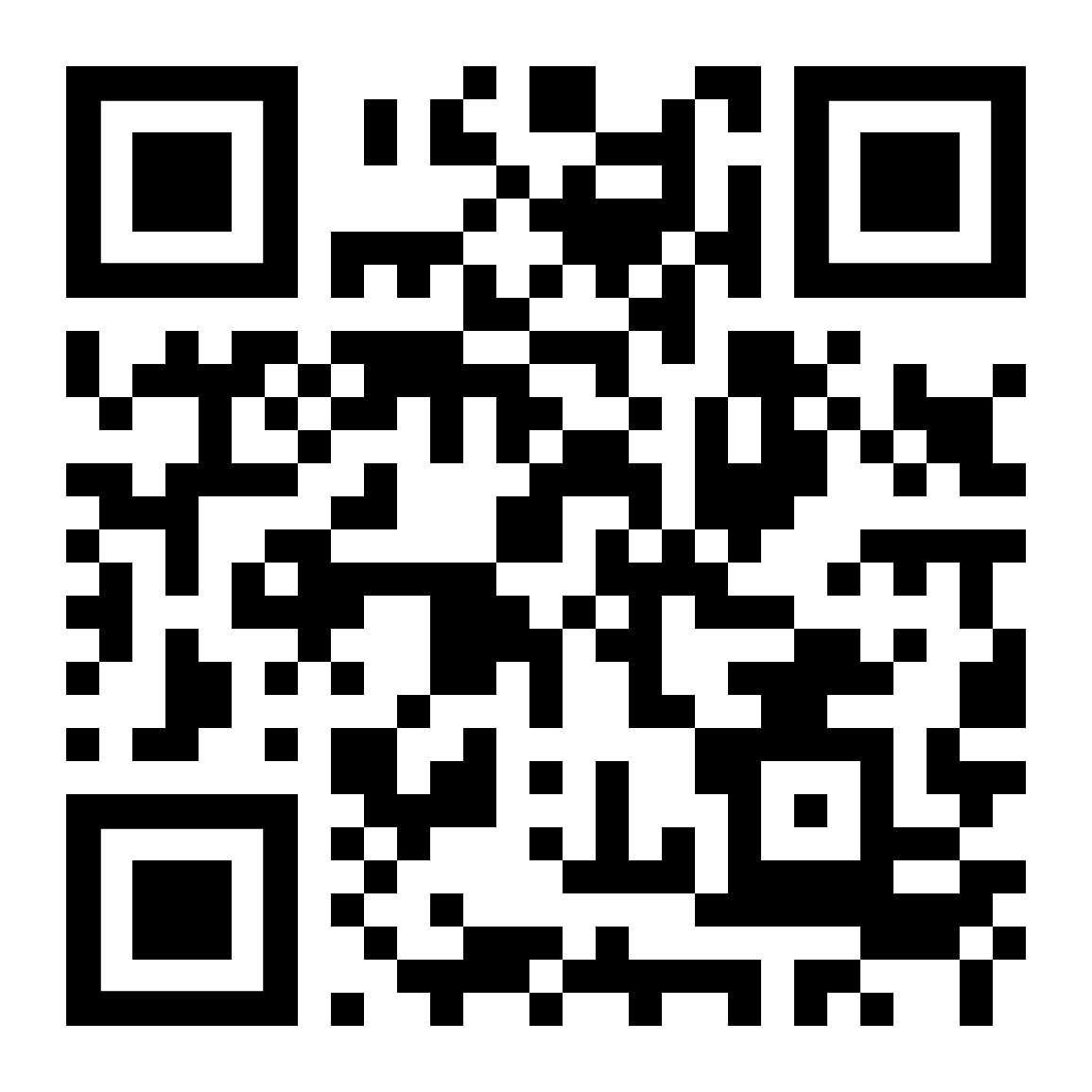
Point your phone camera at the QR code to open the store page.